Give every release its own dates
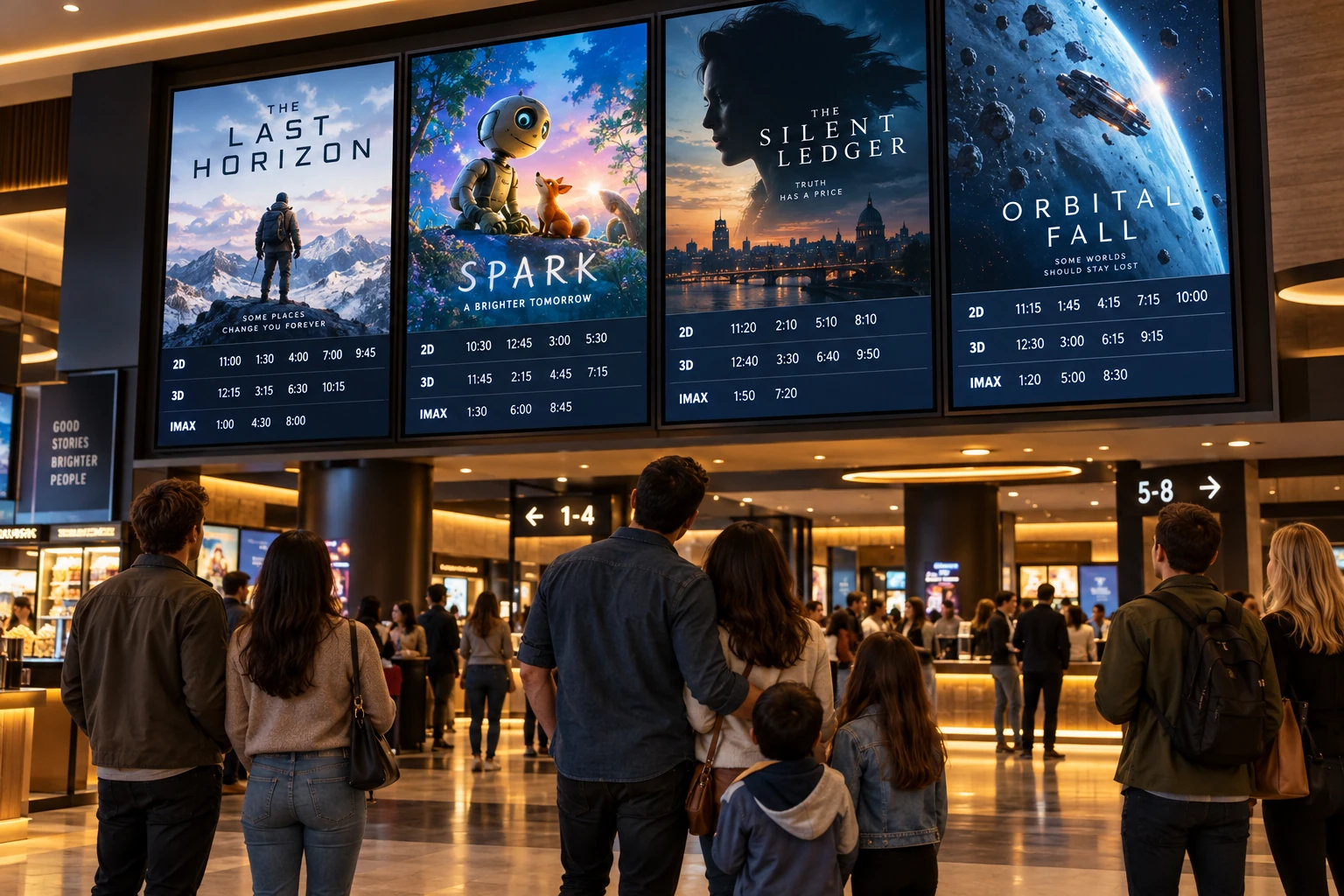
Create a slide for an upcoming movie and set its available-from and expiration dates. Prepare the next release in advance, and stop showing an old promotion when its date range ends.
Give movie night a great opening. Show upcoming releases, concession combos, and helpful reminders on your lobby screens. Prepare slides ahead of time, then schedule when each one belongs on screen.
Your photos. Your message. Your screens.
Start with what your visitors already want to know. Then add a little personality.
Create a slide for an upcoming movie and set its available-from and expiration dates. Prepare the next release in advance, and stop showing an old promotion when its date range ends.
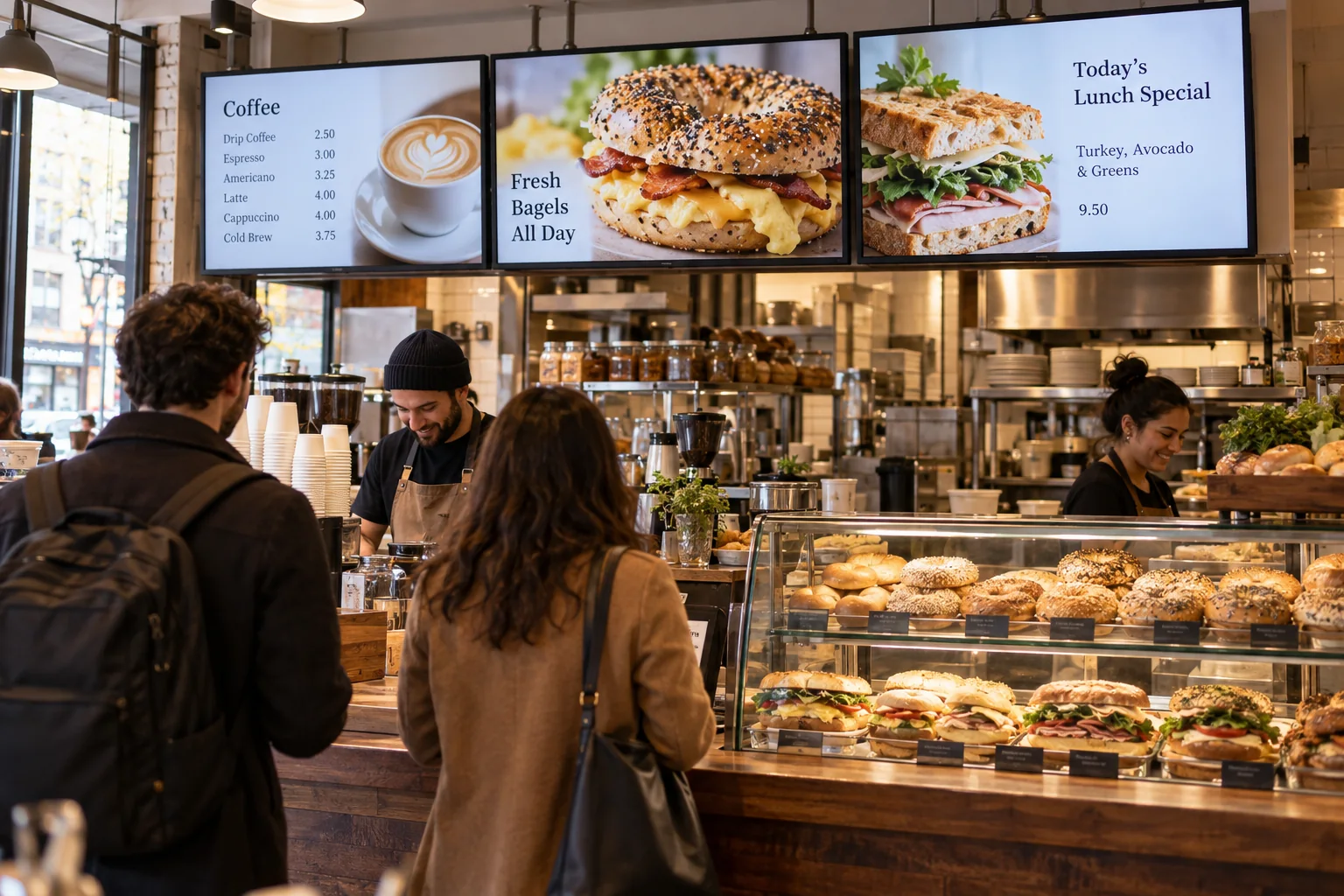
Show a matinee offer during the afternoon and a different concession combo in the evening. Set a daily start and end time for each slide, without asking someone to switch the design by hand.
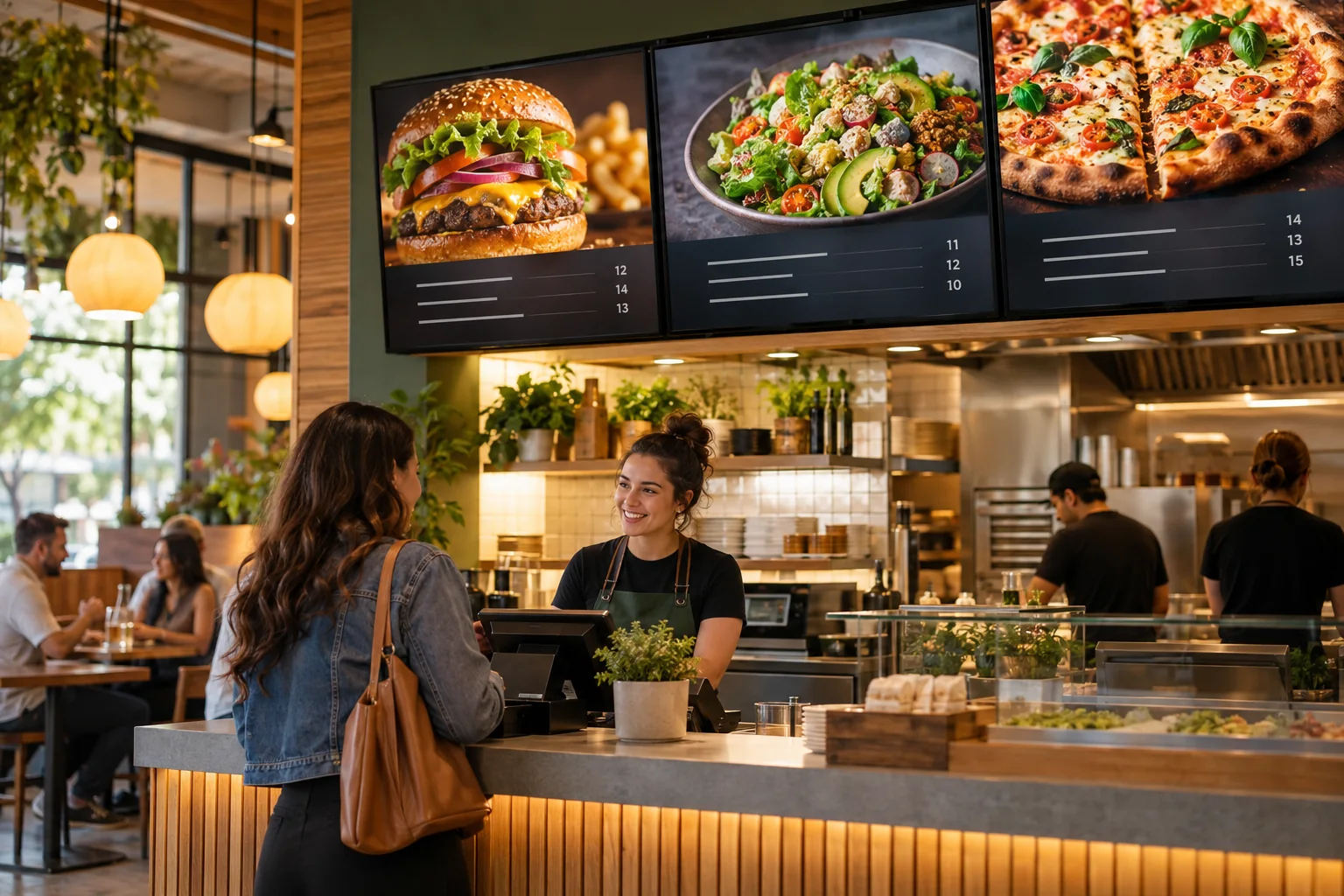
Run a family combo on Saturdays and Sundays, or a midweek offer on Tuesdays. Choose specific weekdays, combine them with a date range and time window, then publish the schedule to a supported player.
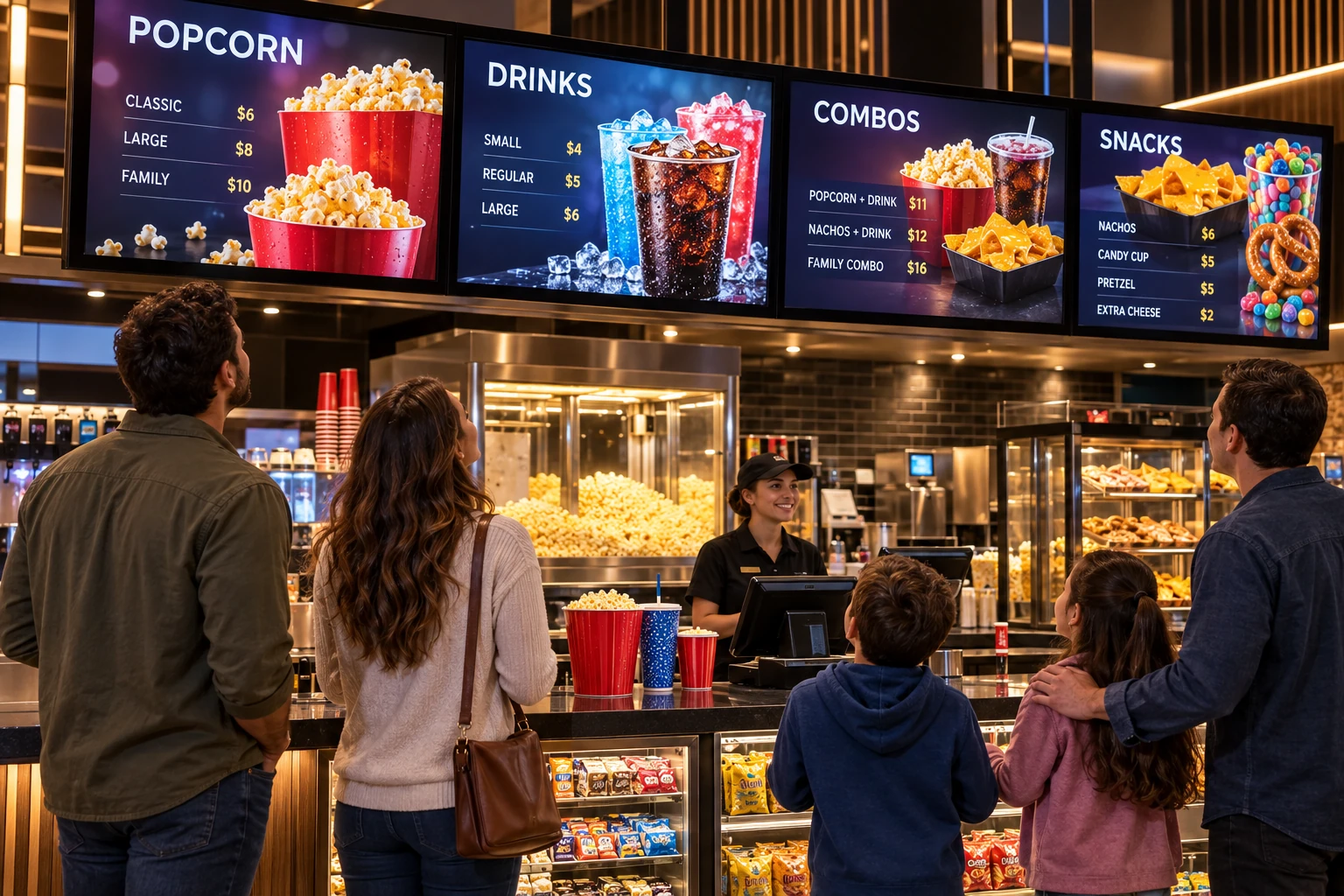
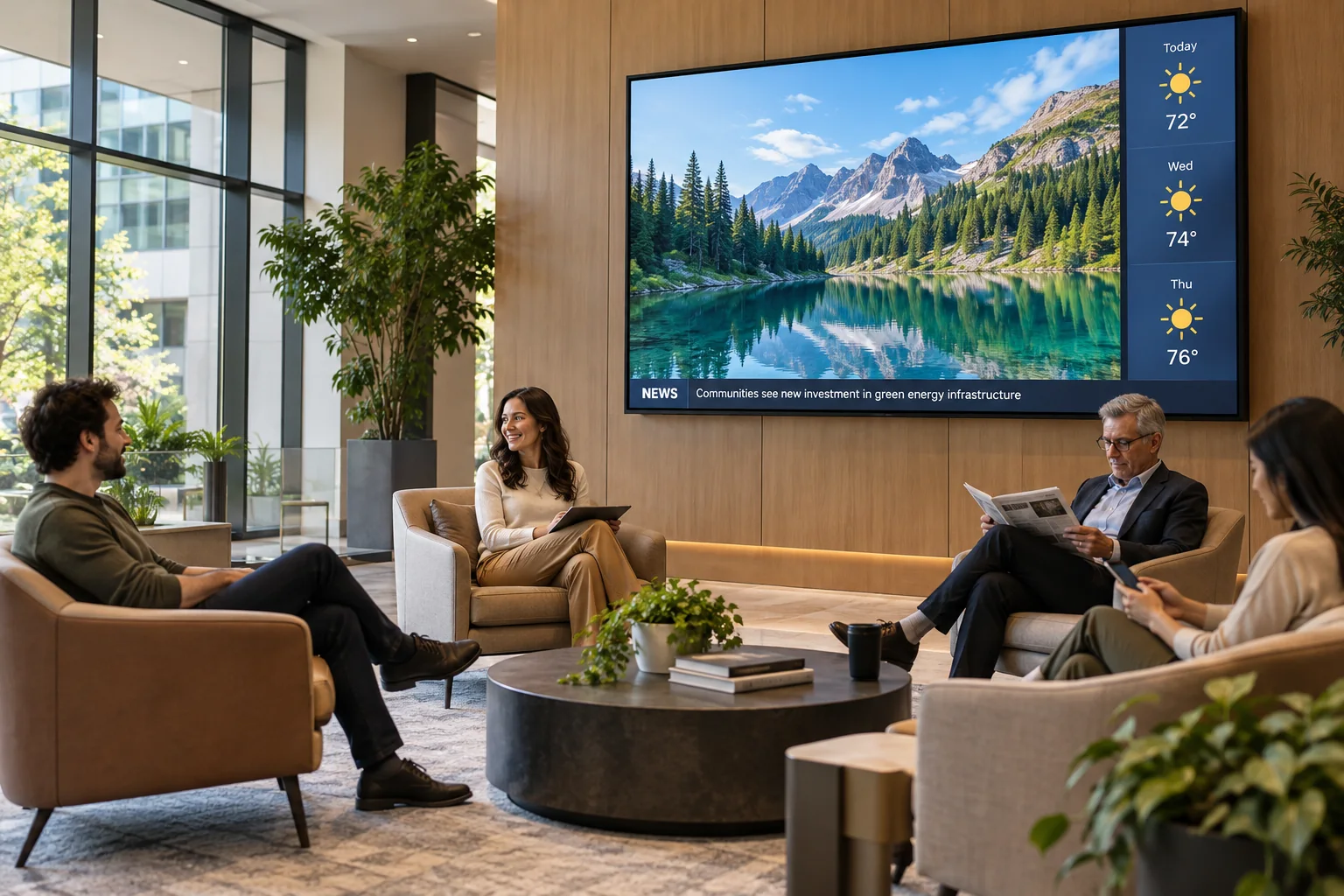
Build a few slides for movie posters, snack prices, trailers, or lobby announcements. Scheduling decides which slides are eligible to play; your screen-wide slide duration and transition settings control how they rotate. Keep at least one everyday slide without restrictions so there is something to show between scheduled promotions. Movie titles, showtimes, and artwork are content you add; this is not a ticketing-system integration.
See what the software can doThe Online Design Studio is included in every plan. You can keep it simple and add more as you go.
Have something specific in mind? Tell us about it.
Ask us a questionYes. For example, schedule a family-combo slide for Saturdays and Sundays, from noon to 6 pm, during a selected date range. Slides can also have no expiration date. Publish after changing the schedule and use an updated player that supports slide scheduling. The player uses its local date and time.
No. Start with a ready-to-use template and change the text and pictures. If you would rather have someone create the design for you, ask about our menu design service.
You need a compatible TV or display setup running the Interactive Menus app, plus an account. Visit the app page to check the available platforms, or contact us before choosing a player. See the apps →
One screen or several locations. Start with what you need today.