Help people settle in
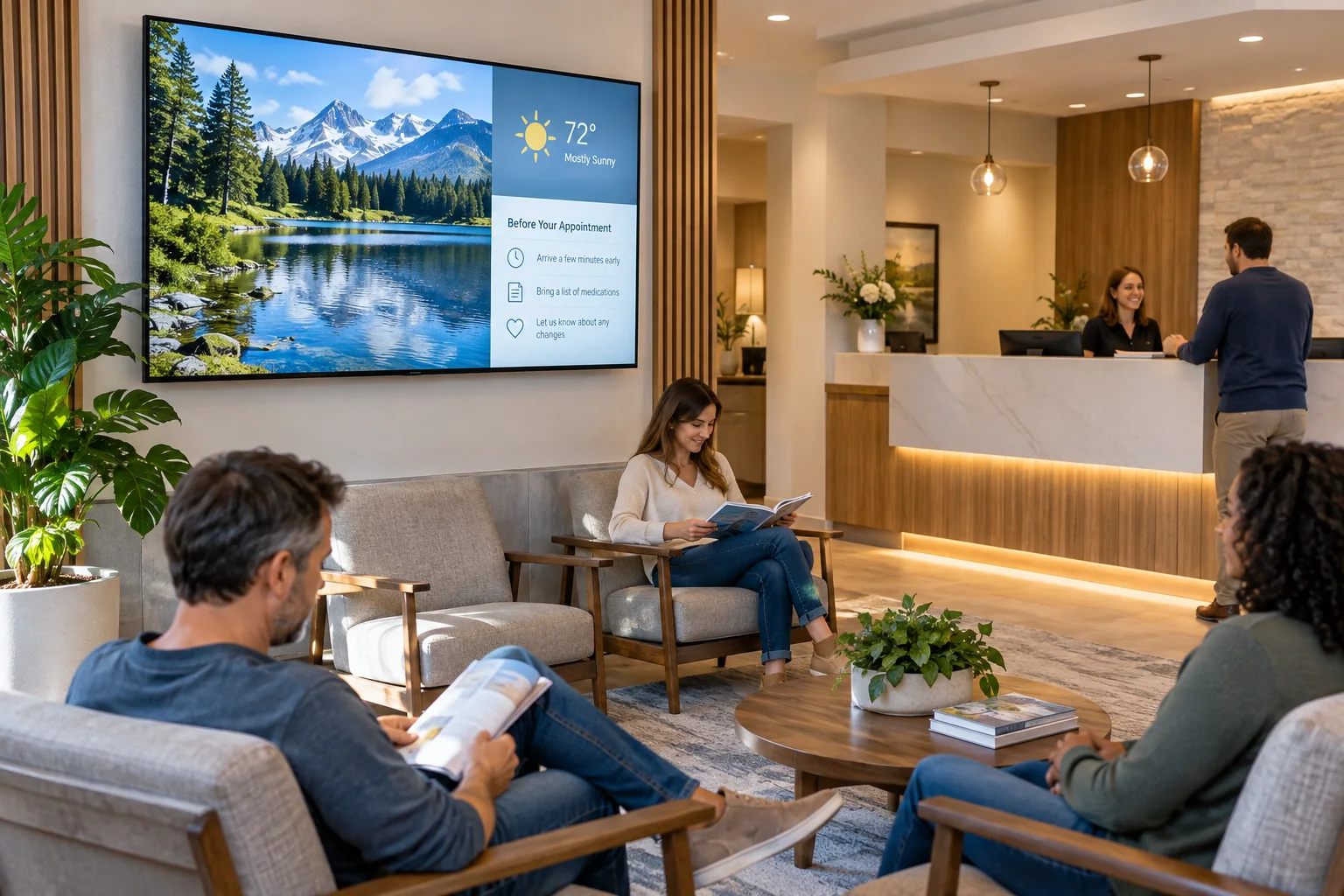
Show a welcome message, Wi-Fi details, office hours, or a quick note about where to check in. Keep those first few questions off the front desk.
A screen can do more than fill a quiet corner. Welcome visitors, share useful information, and mix in a little video, weather, or news so your waiting area feels more connected to the day.
Your photos. Your message. Your screens.
Start with what your visitors already want to know. Then add a little personality.
Show a welcome message, Wi-Fi details, office hours, or a quick note about where to check in. Keep those first few questions off the front desk.
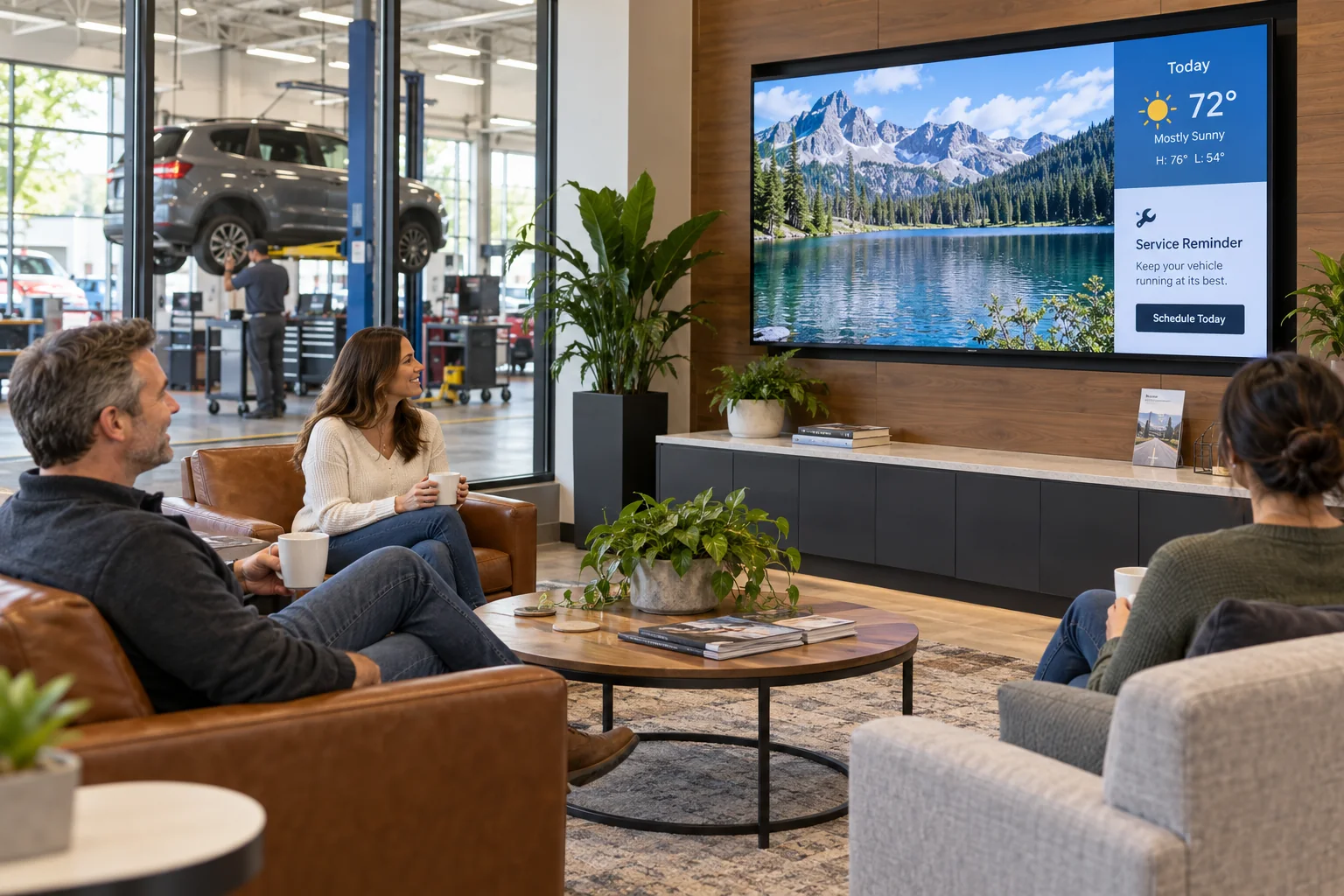
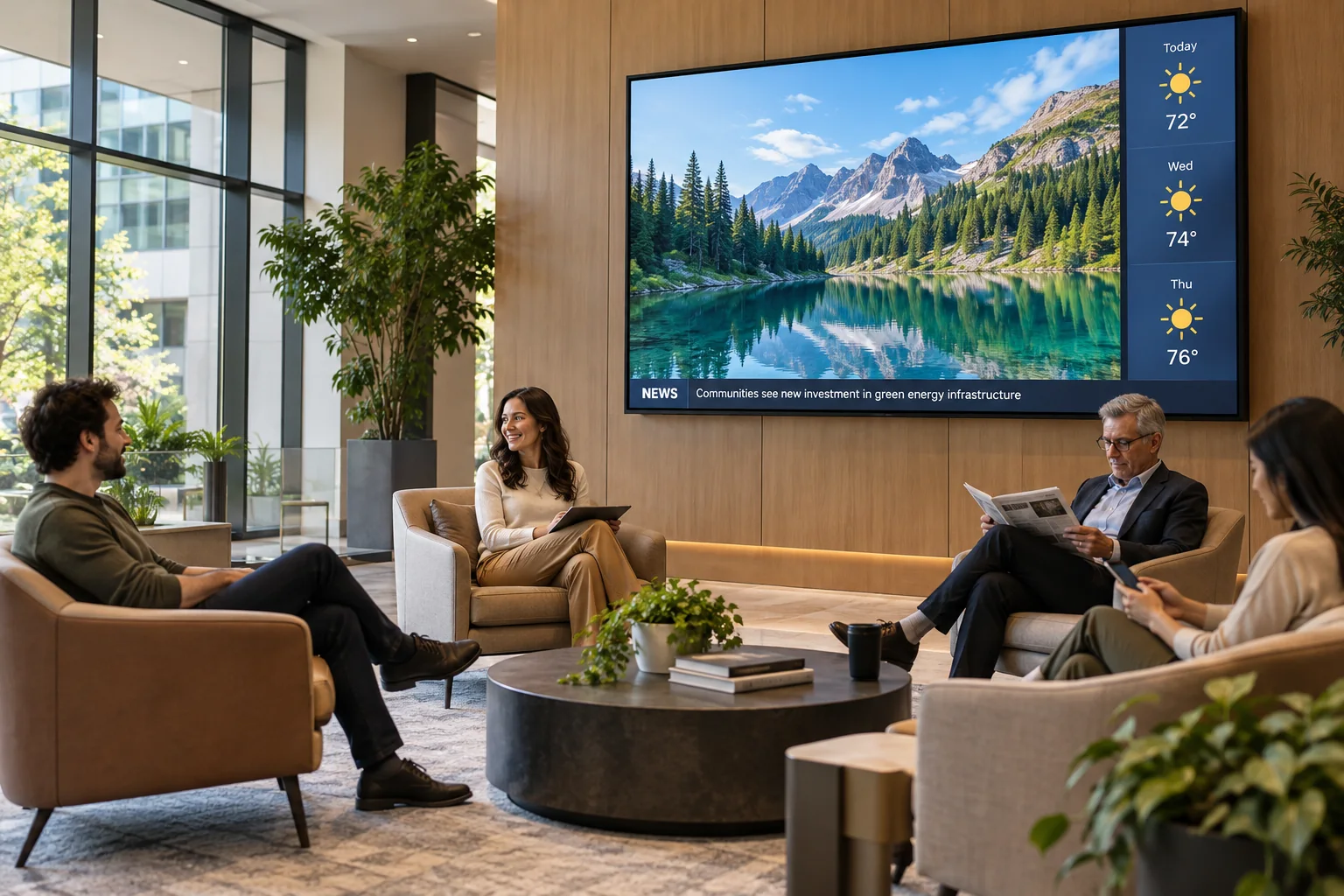
Combine videos and photos with weather and news content. A balanced design gives visitors something to look at without turning the room into a wall of ads.
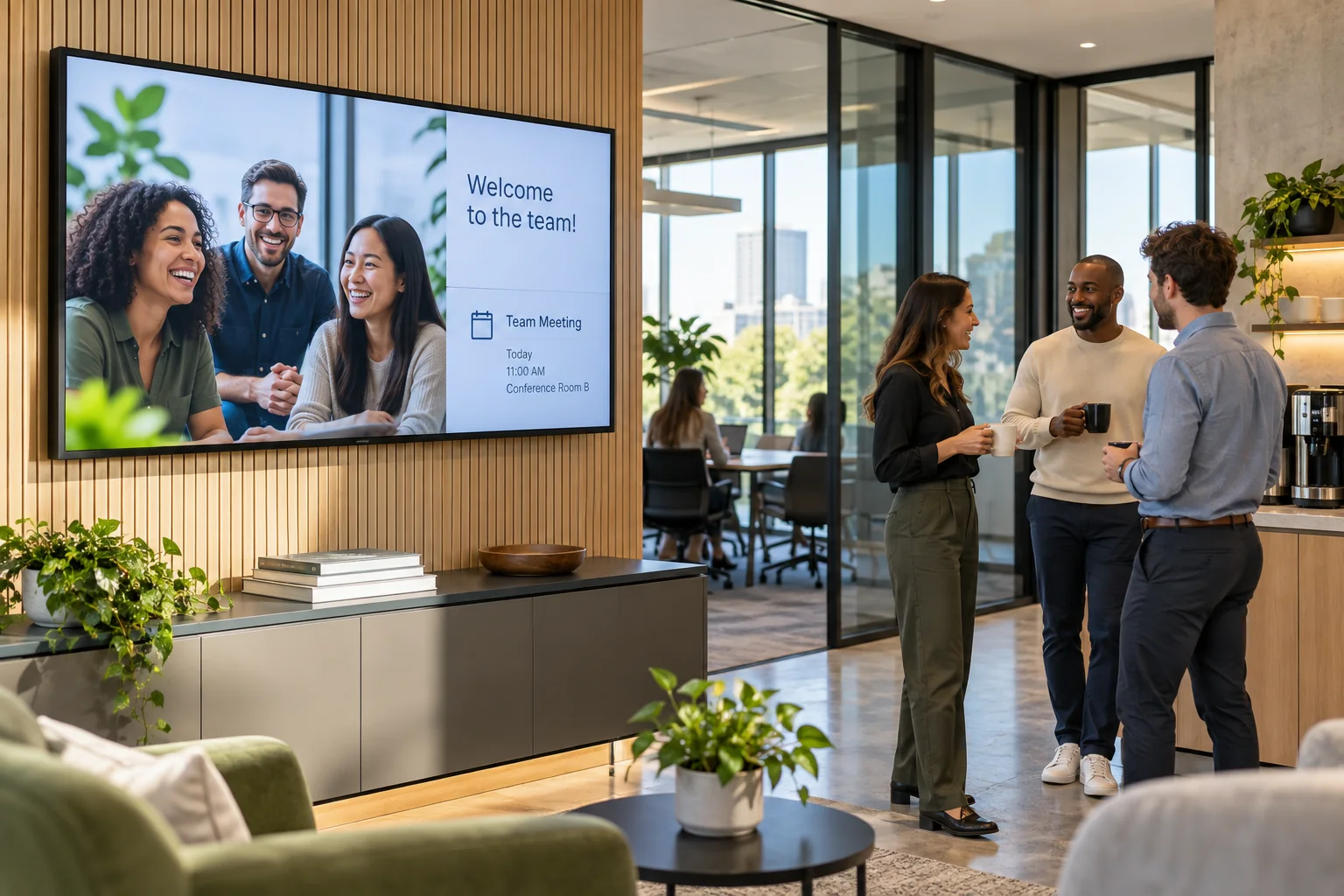
Feature community events, meeting reminders, your team, or upcoming activities. The screen can feel like part of your space instead of a random channel in the background.
A quick welcome • What is coming up • A little something to watch
Just one idea. Build a look that feels like you.
A small business might show its team and services. A community building might share meetings and local events. Mix the information your visitors need with the content they will enjoy, then adjust it from the Design Studio when there is something new to share.
See what the software can doThe Online Design Studio is included in every plan. You can keep it simple and add more as you go.
Have something specific in mind? Tell us about it.
Ask us a questionAbsolutely. Interactive Menus also works for general digital signage. Use your screen for announcements, photos, videos, and information for your visitors.
No. Start with a ready-to-use template and change the text and pictures. If you would rather have someone create the design for you, ask about our menu design service.
You need a compatible TV or display setup running the Interactive Menus app, plus an account. Visit the app page to check the available platforms, or contact us before choosing a player. See the apps →
One screen or several locations. Start with what you need today.