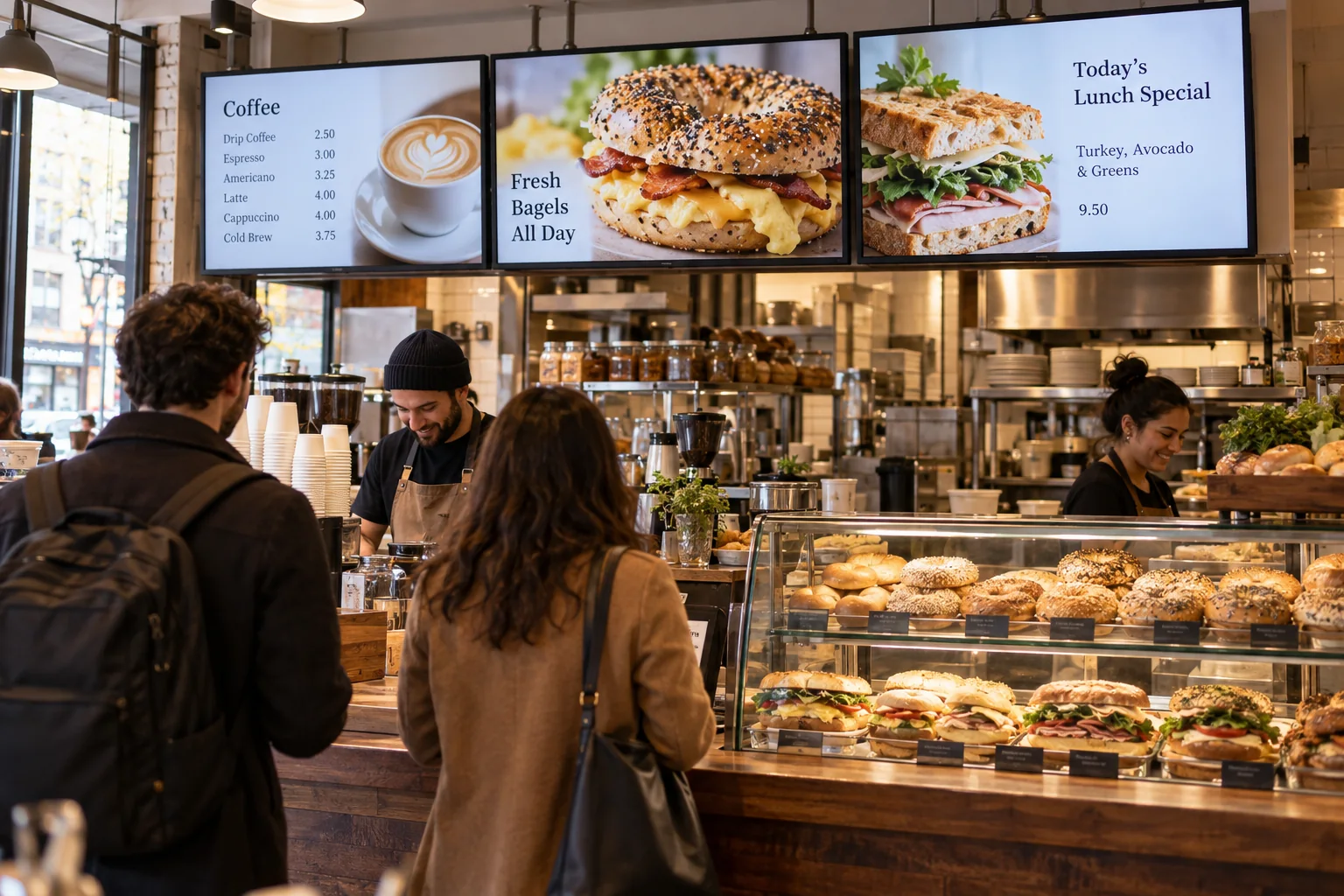
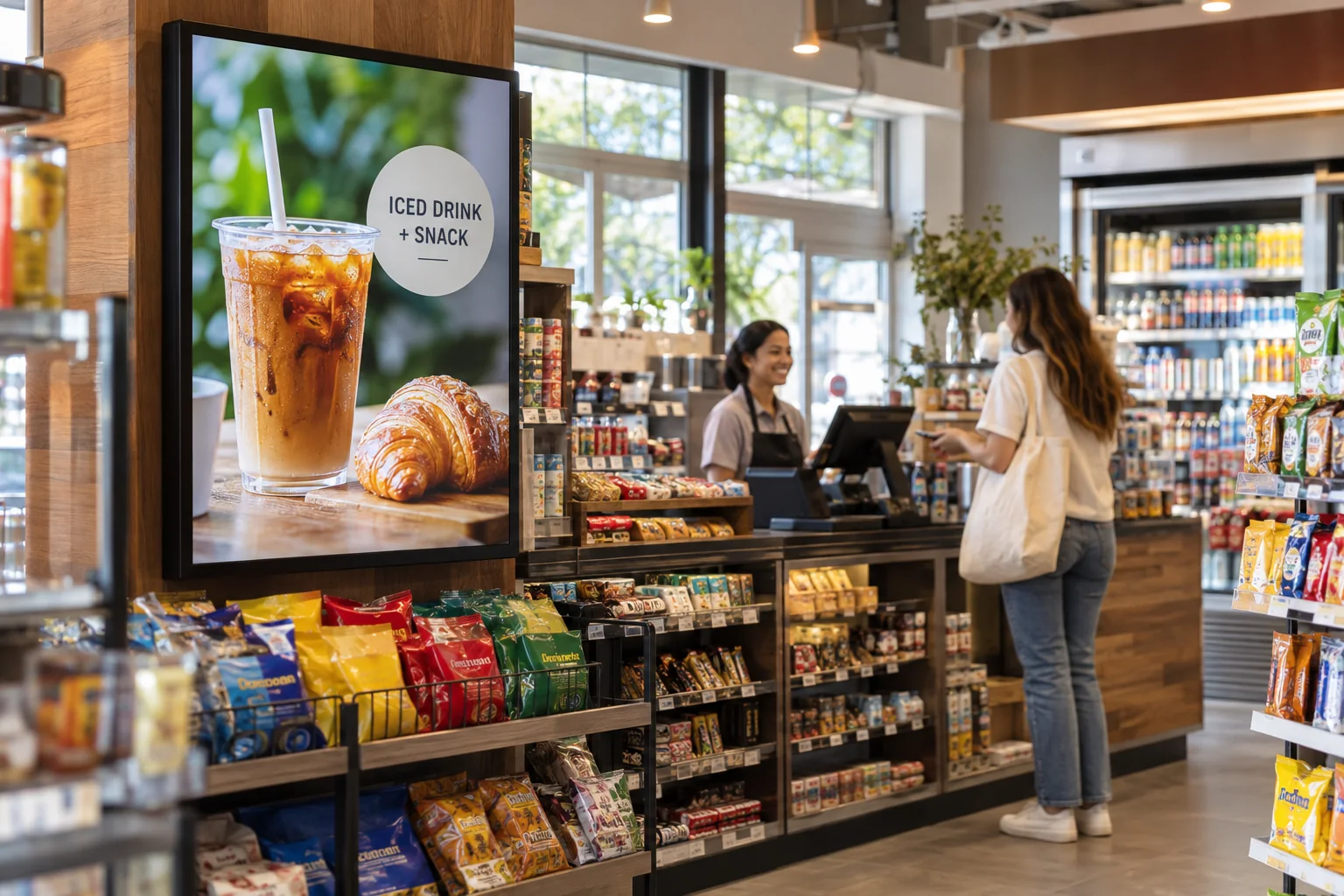
Put weekly offers in plain sight
Show a few offers at a time with big product photos, clear prices, and easy-to-read dates. Keep the message simple enough to catch while someone pushes a cart.
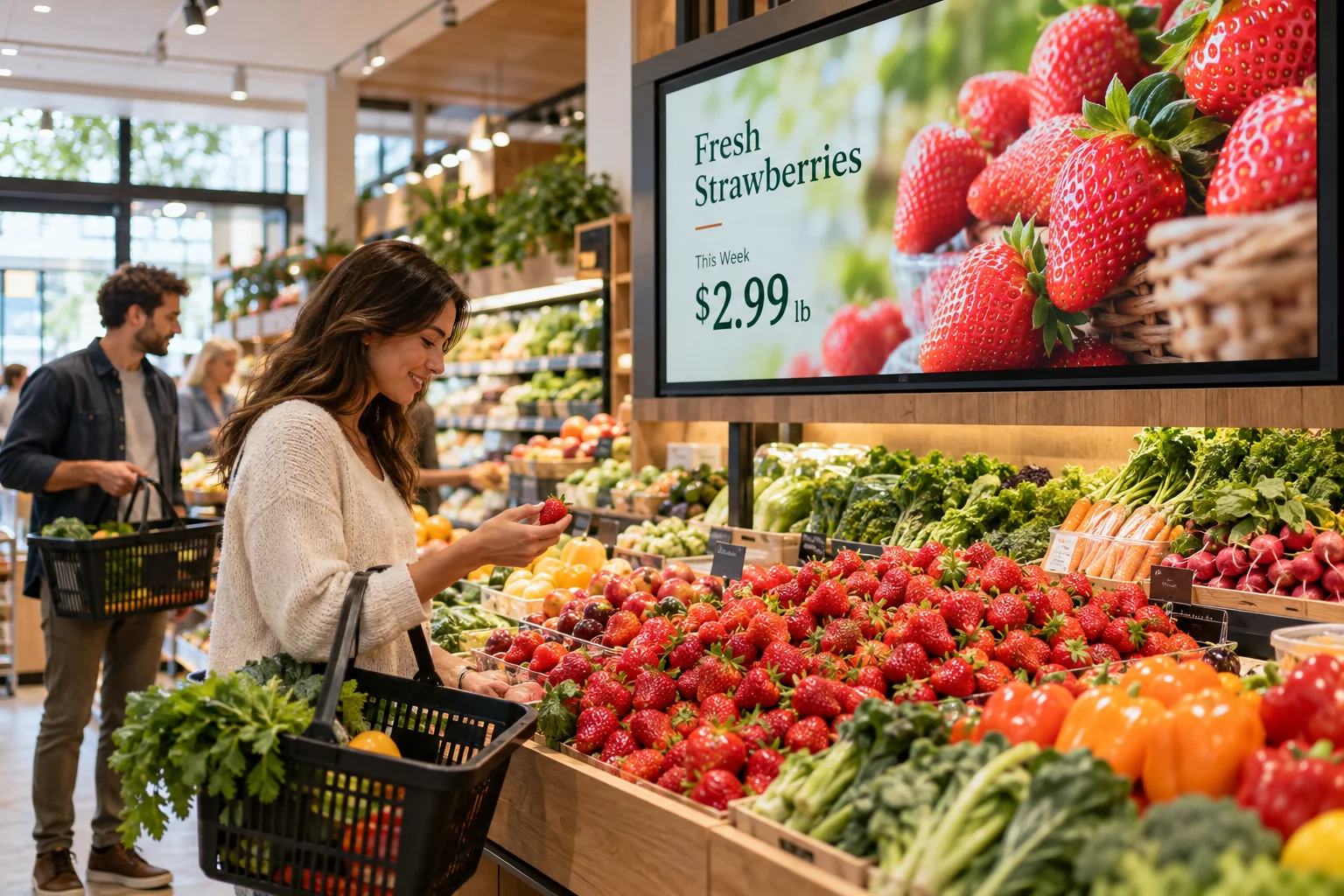
Great produce and a good deal deserve more than a small paper sign. Use your screens to point out fresh arrivals, weekly offers, and the good stuff customers might walk right past.
Your photos. Your message. Your screens.
Start with what your visitors already want to know. Then add a little personality.
Show a few offers at a time with big product photos, clear prices, and easy-to-read dates. Keep the message simple enough to catch while someone pushes a cart.
The bakery can show what just came out of the oven. The deli can feature prepared meals. Produce can highlight what is in season. Give each screen a job that fits its aisle.
Let shoppers know about holiday hours, catering orders, a new department, or your social pages. Mix these reminders with product photos and short videos.
Seasonal picks • Bakery favorites • Easy dinner ideas
Just one idea. Build a look that feels like you.
Not every aisle needs the same message. A screen near the entrance can introduce the week’s offers, while a bakery screen shows breads and cakes. Build separate designs from one account and update them as your displays, stock, or promotions change.
See what the software can doThe Online Design Studio is included in every plan. You can keep it simple and add more as you go.
Have something specific in mind? Tell us about it.
Ask us a questionThese examples use prices and offers you enter into your screen design. A connection to your checkout or inventory system is not included in this setup.
No. Start with a ready-to-use template and change the text and pictures. If you would rather have someone create the design for you, ask about our menu design service.
You need a compatible TV or display setup running the Interactive Menus app, plus an account. Visit the app page to check the available platforms, or contact us before choosing a player. See the apps →
One screen or several locations. Start with what you need today.