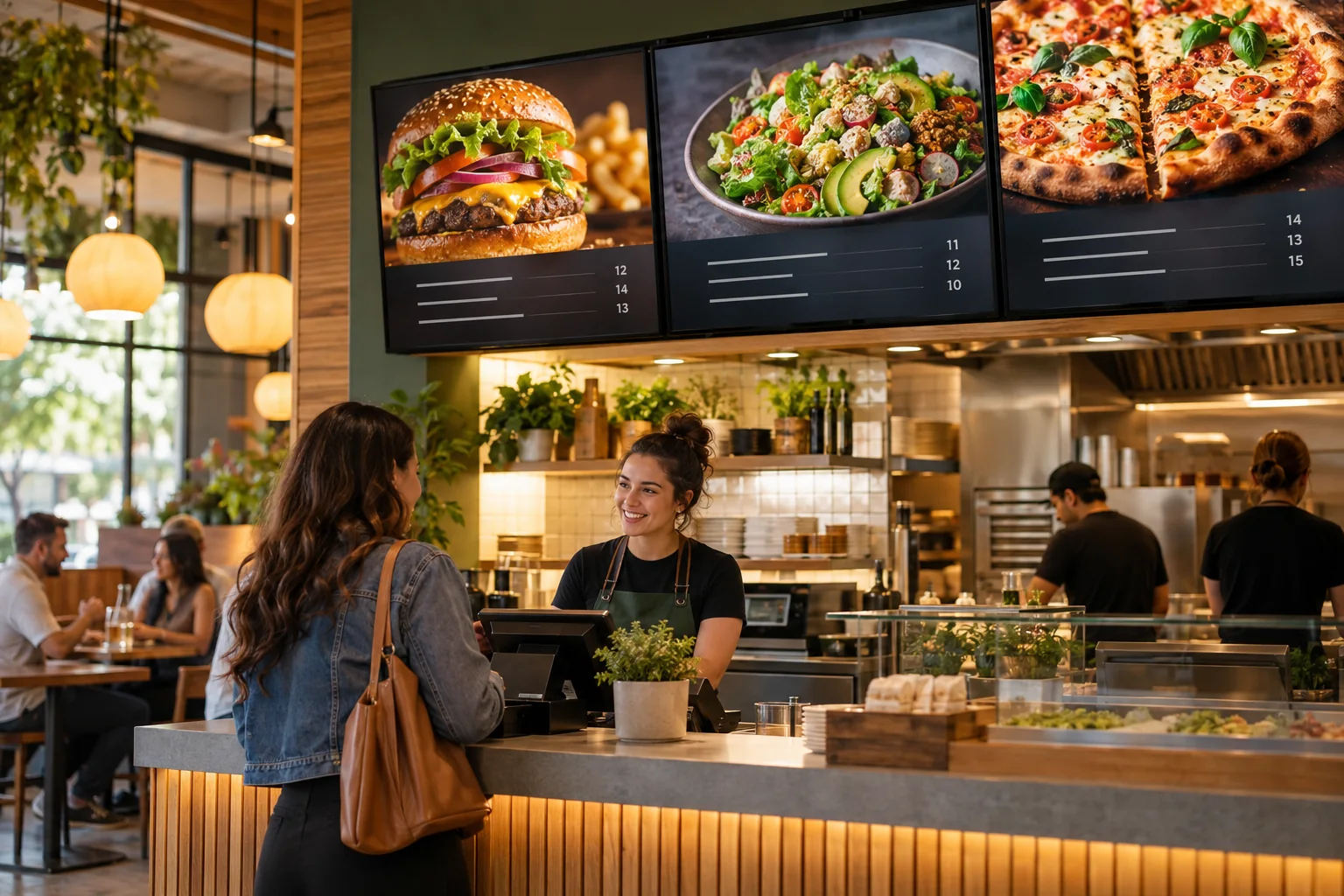
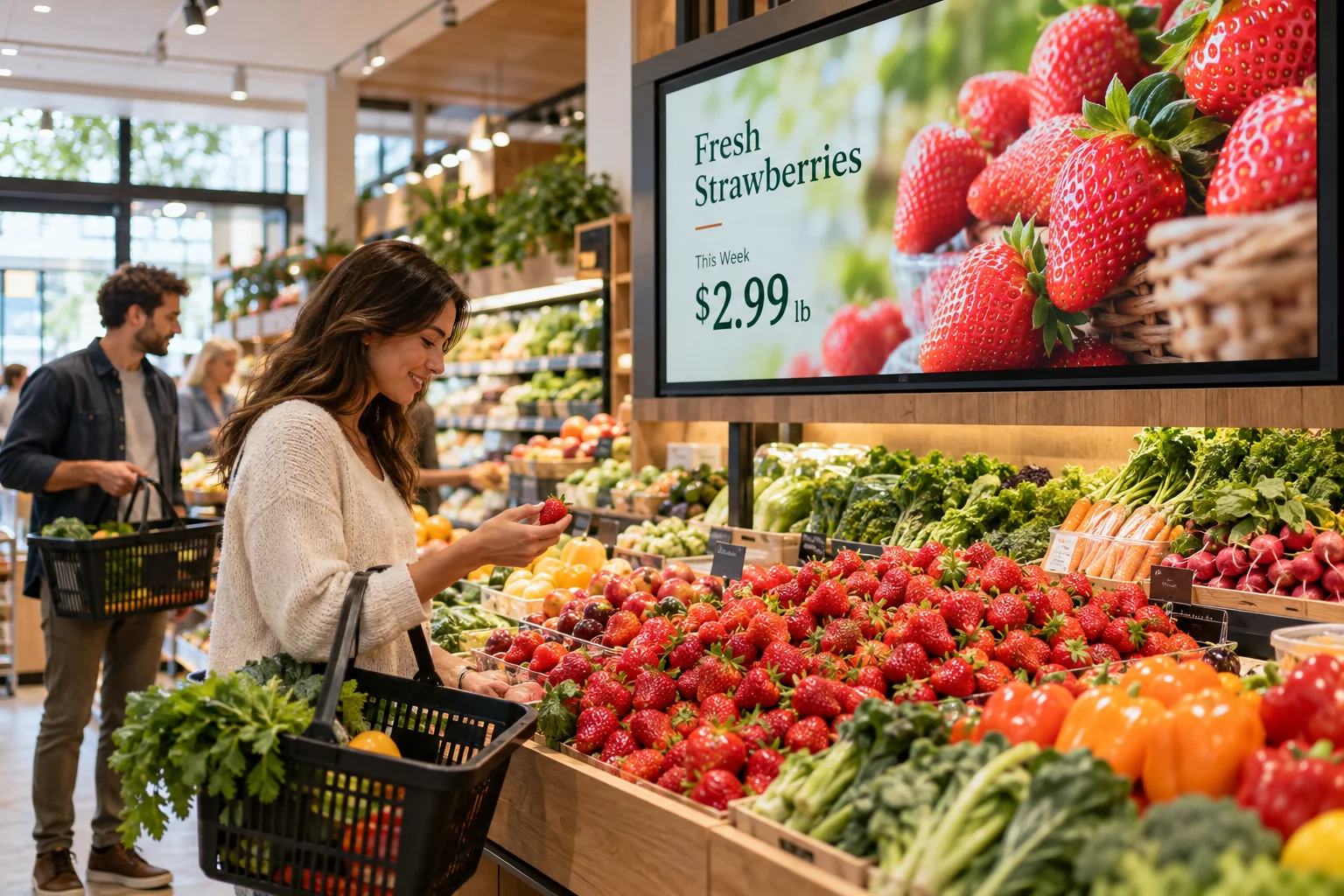
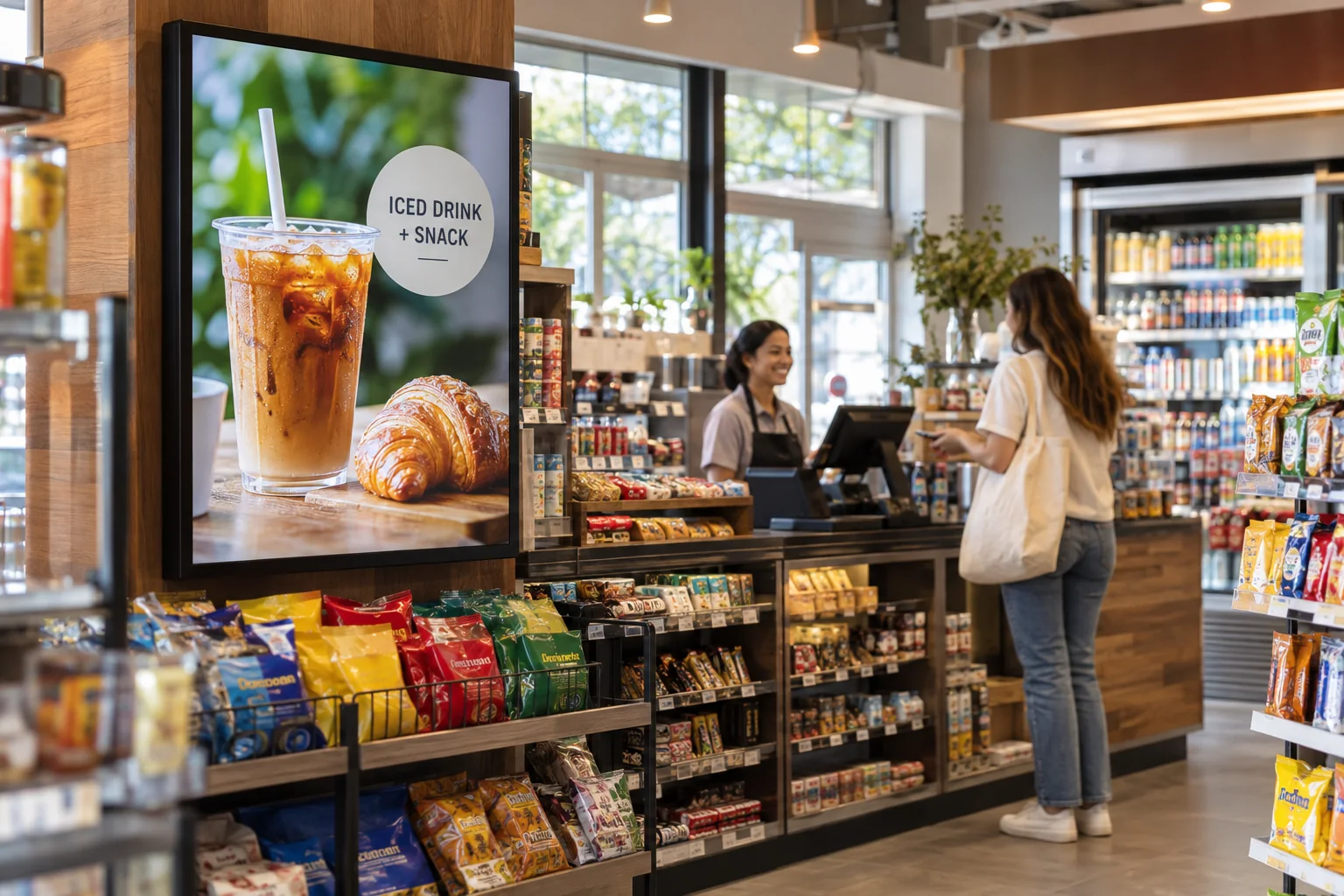
Give the daily special its own spot
Put the soup, lunch combo, or hot-food special where everyone can see it. Add a photo and a short description so people do not have to ask what comes with it.
The lunch line moves fast. Give people a clear look at your sandwiches, coffee, and daily specials before they reach the counter. When something changes, your screen can change with it.
Your photos. Your message. Your screens.
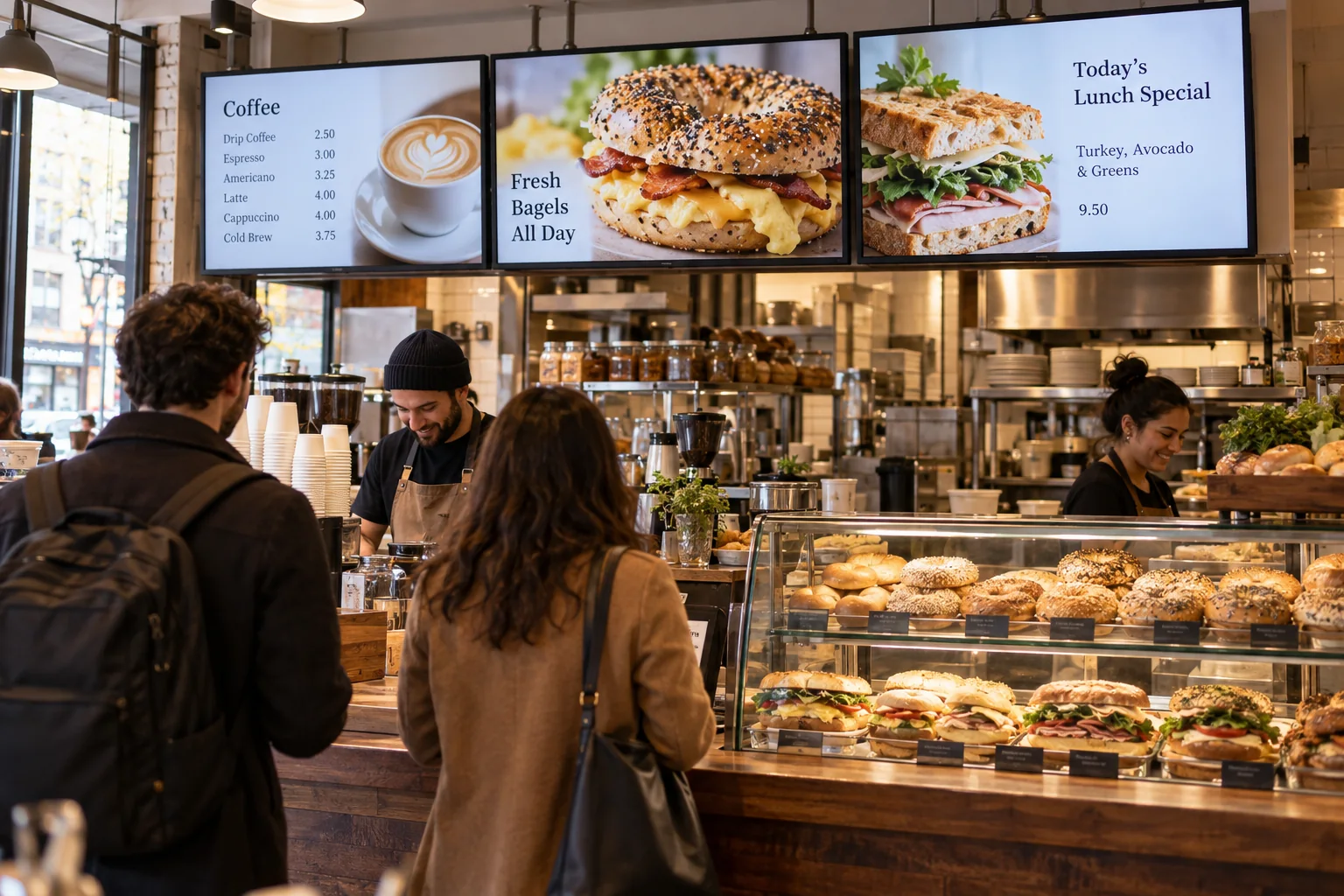
Start with what your visitors already want to know. Then add a little personality.
Put the soup, lunch combo, or hot-food special where everyone can see it. Add a photo and a short description so people do not have to ask what comes with it.
Keep sandwiches, sides, drinks, and add-ons in clear sections. Good spacing and readable prices help customers decide while they wait.
Mix in catering trays, breakfast bundles, holiday hours, and photos from your counter. A short slide can remind a regular customer about something they have never tried.
Soup of the day • Sandwich combos • Catering for your next get-together
Just one idea. Build a look that feels like you.
Breakfast sells out. A new soup is ready. Someone asks about catering. Keep those little updates together in the Online Design Studio, then publish the right information to the right screen. Start with a ready-to-use template or make a board that feels like your place.
See what the software can doThe Online Design Studio is included in every plan. You can keep it simple and add more as you go.
Have something specific in mind? Tell us about it.
Ask us a questionYes. Edit that text or photo in the Design Studio, save your changes, and publish the updated design. The rest of your menu can stay as it is.
No. Start with a ready-to-use template and change the text and pictures. If you would rather have someone create the design for you, ask about our menu design service.
You need a compatible TV or display setup running the Interactive Menus app, plus an account. Visit the app page to check the available platforms, or contact us before choosing a player. See the apps →
One screen or several locations. Start with what you need today.